Overview
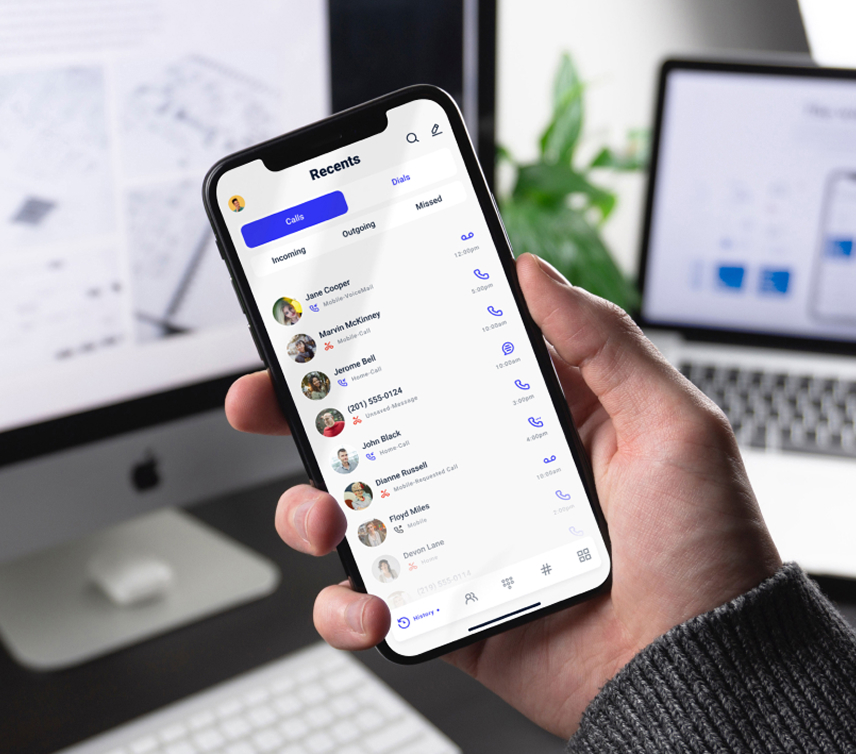
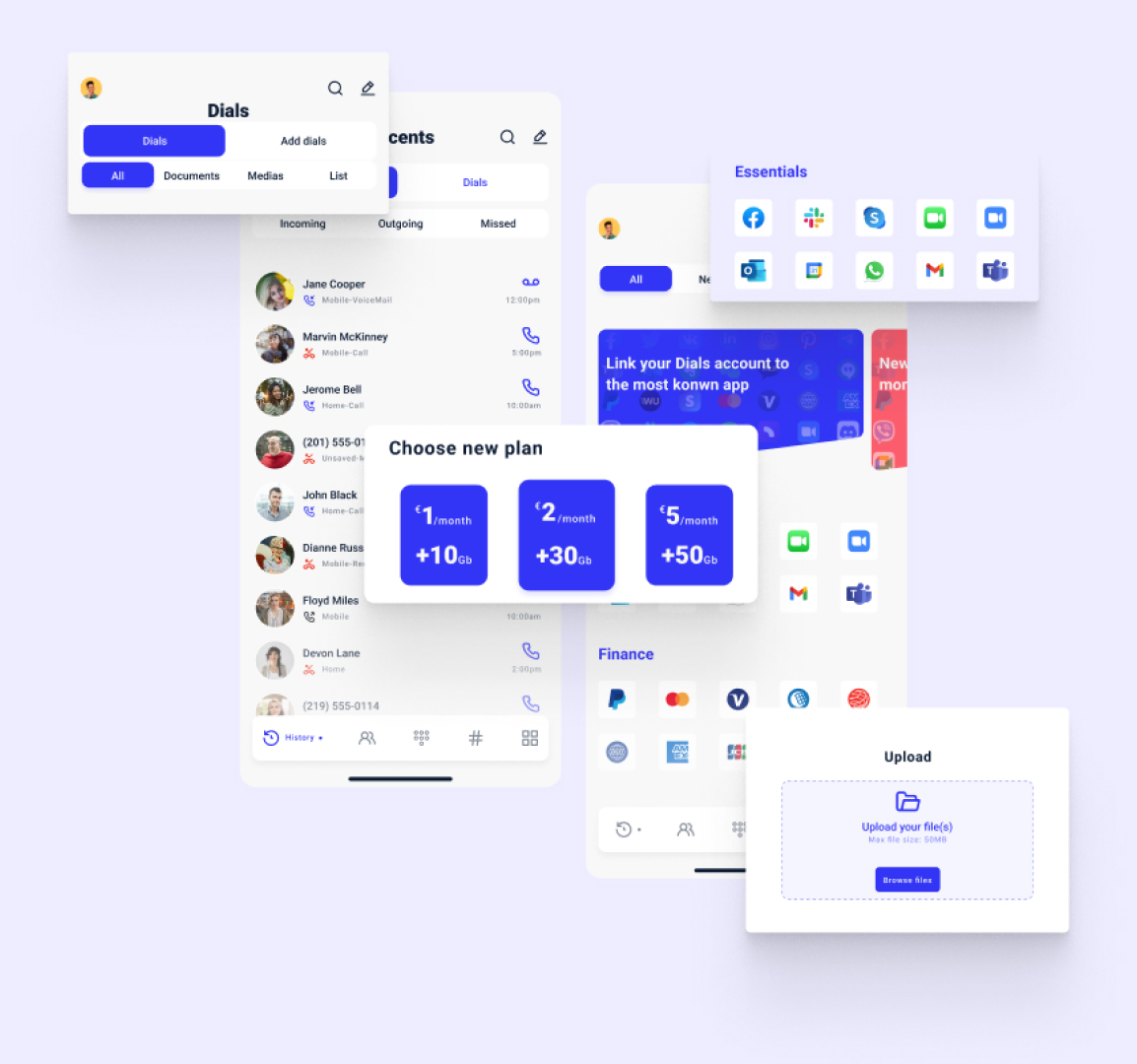
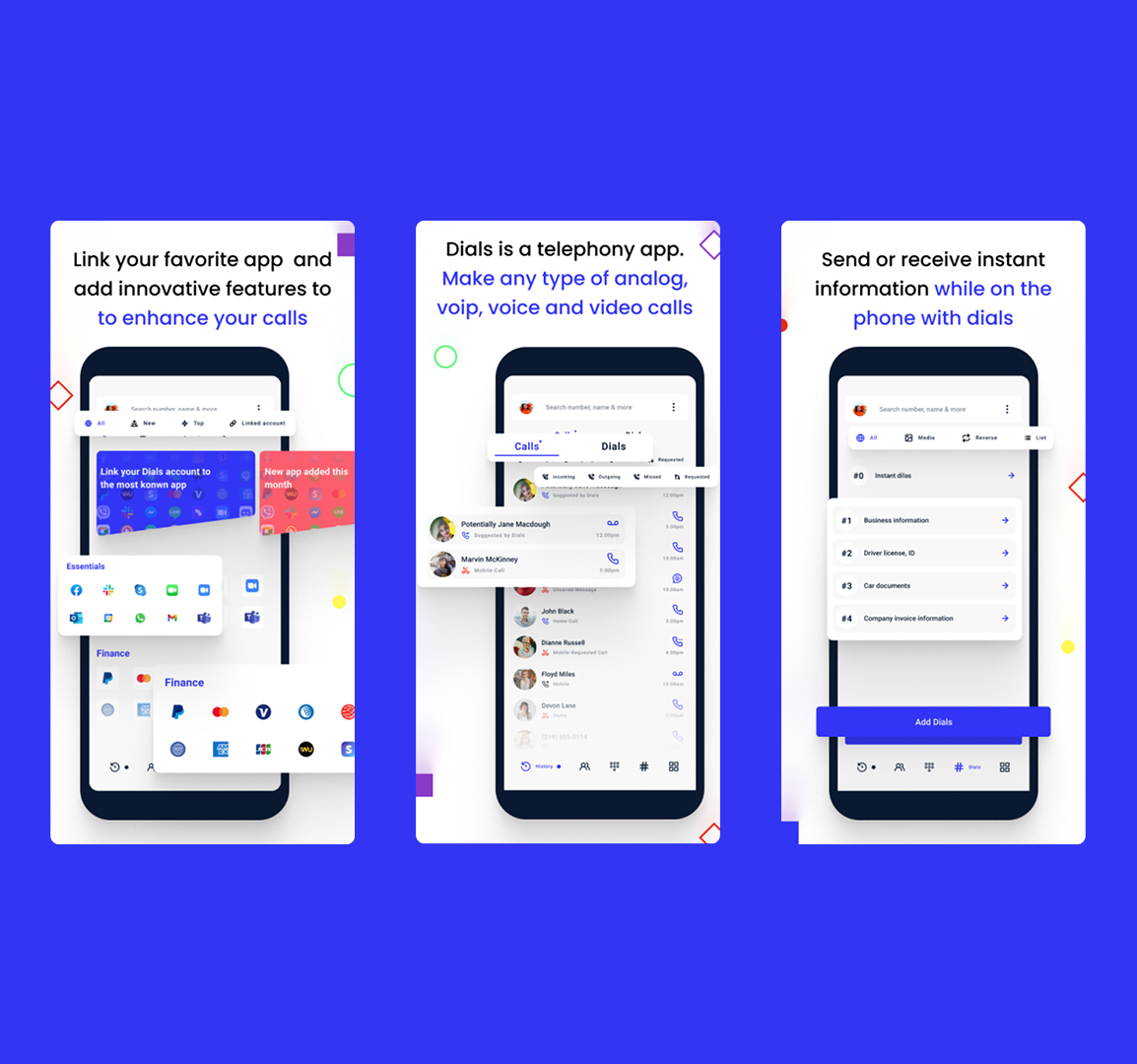
Dials is a cross-platform application available on Android, iOS, and desktop, designed to allow users to send messages, documents, or appointment confirmations during an ongoing phone or video call. The goal was to enable these actions without interrupting the primary task: the conversation itself.
Problem
Traditional communication tools force users to leave a call to share information, creating friction and breaking focus. The challenge was to design an interaction that allows users to send information instantly while remaining engaged in the call. This had to work across multiple platforms, each with different technical constraints and interaction patterns, particularly on iOS.
My Role
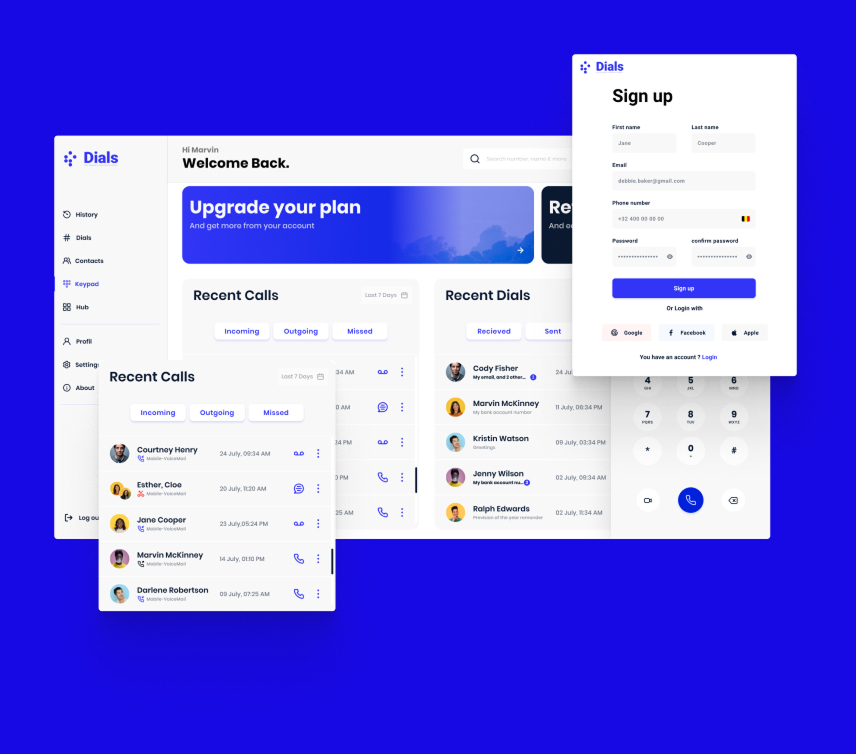
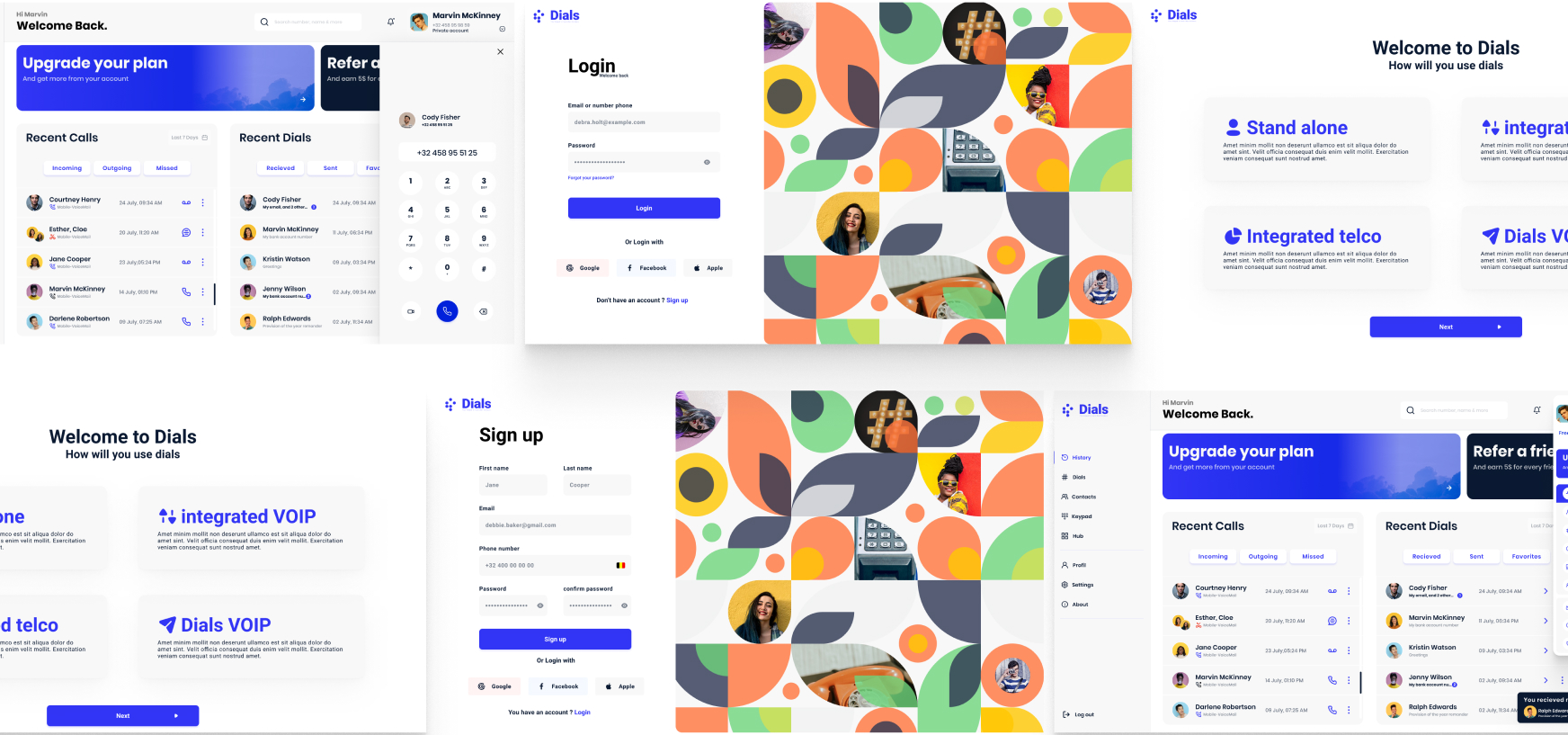
I was responsible for the UX and UI design of the application across mobile and desktop platforms. This included defining interaction logic, designing user flows, and creating interface layouts adapted to the constraints and conventions of each platform.
Constraints
The product needed to function seamlessly during active calls, which imposed strict limitations on attention, time, and interaction complexity. Platform-specific constraints—especially on iOS—required alternative interaction patterns rather than a single unified solution. The interface also had to remain lightweight and unobtrusive to avoid cognitive overload.
UX & UI Approach
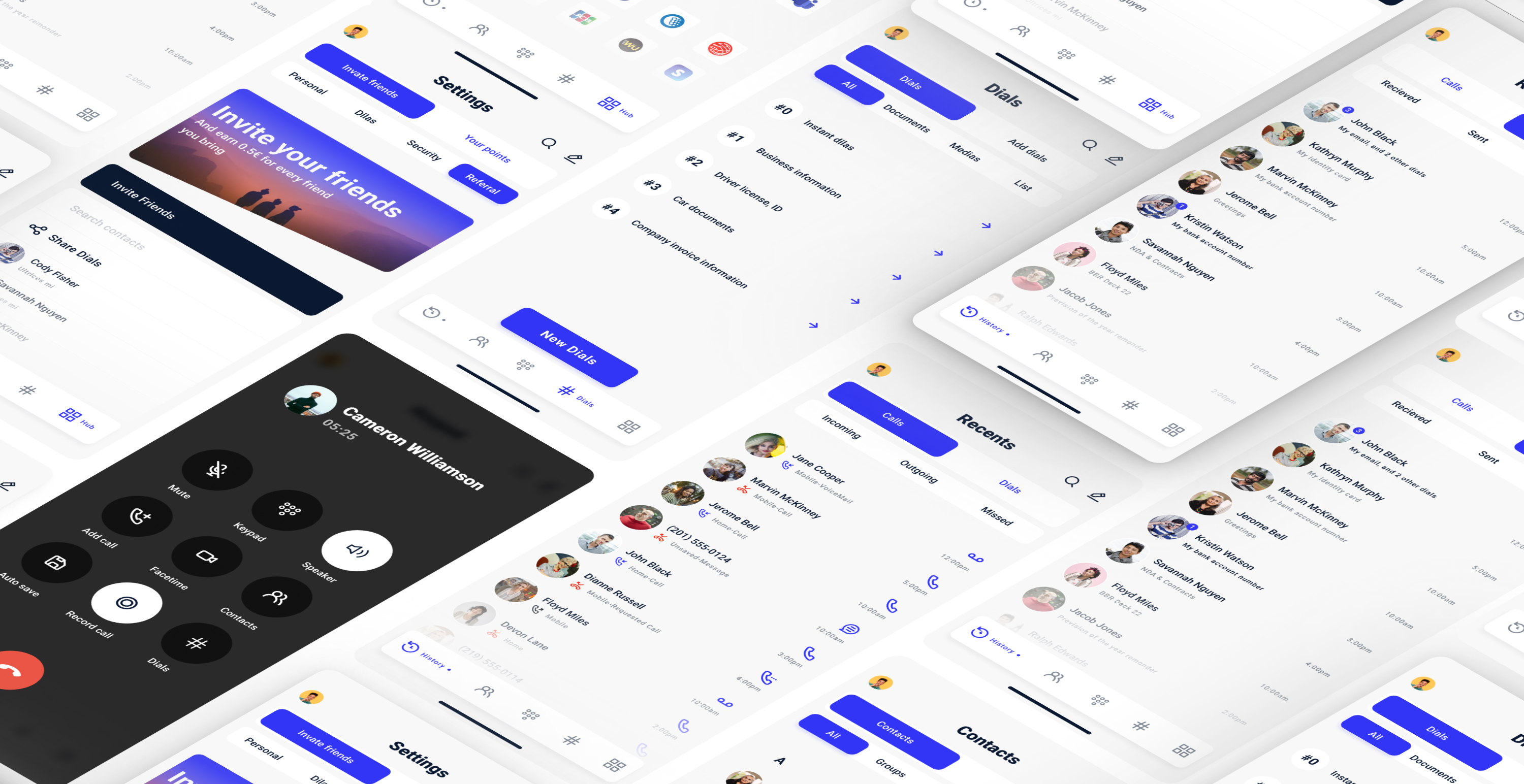
I focused on keeping the interaction model simple and task-oriented. Core actions were reduced to essential use cases, ensuring users could complete them quickly without navigating away from the call interface. Separate flows were designed for Android, iOS, and desktop to respect platform limitations while maintaining a consistent overall experience.
Interface & Visual System
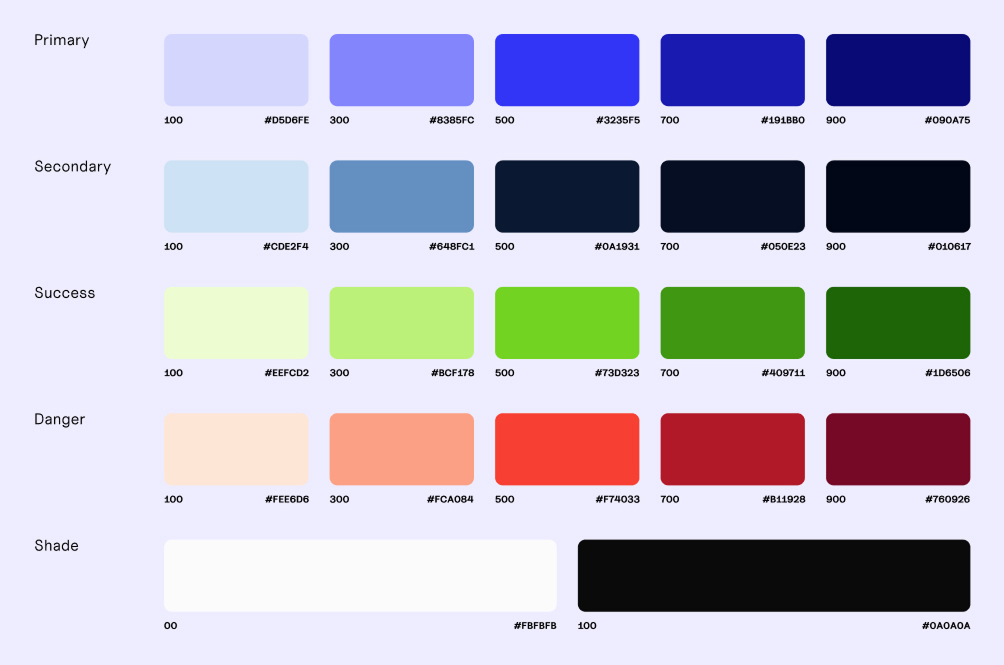
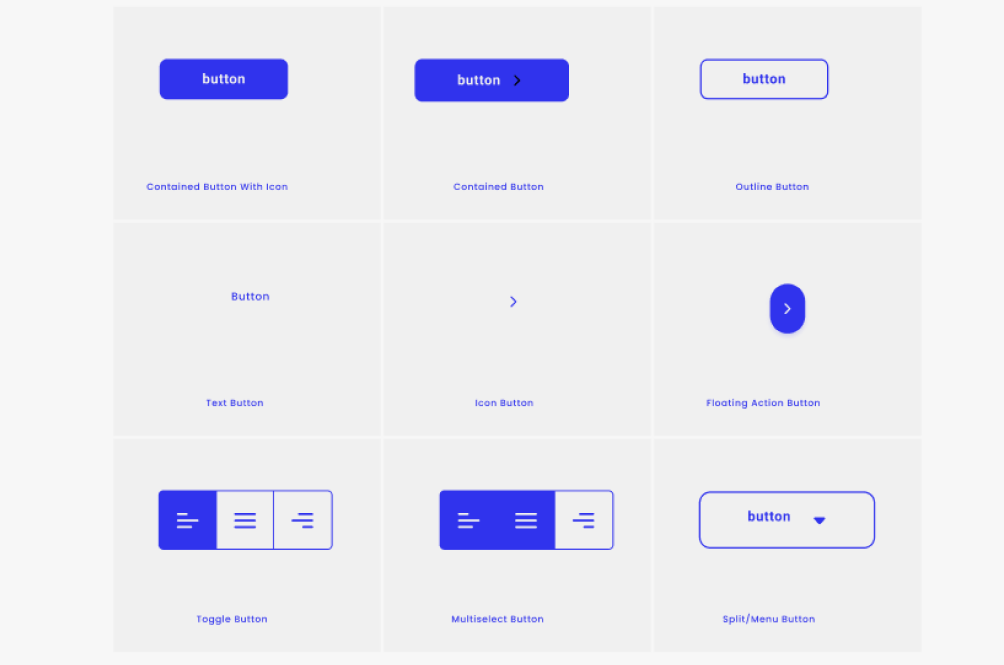
The interface was designed to minimise visual noise and prioritise speed and clarity. Layouts, hierarchy, and interaction feedback were carefully considered to ensure users could act confidently in a time-sensitive context. All designs were produced in Figma and prepared for cross-platform implementation.
Outcome
The final design allows users to share information during calls in a fast and unobtrusive way. Platform-specific constraints are handled without compromising usability, resulting in a coherent experience across mobile and desktop environments.
Reflection
With further development, usage data and real-world feedback could be used to refine interaction timing and prioritisation, especially in high-pressure communication scenarios.
More projects
Structuring a content-heavy platform for medical professionals.
I redesigned the UX/UI of ESAIC’s content-heavy website to improve navigation, accessibility, and clarity for medical professionals.
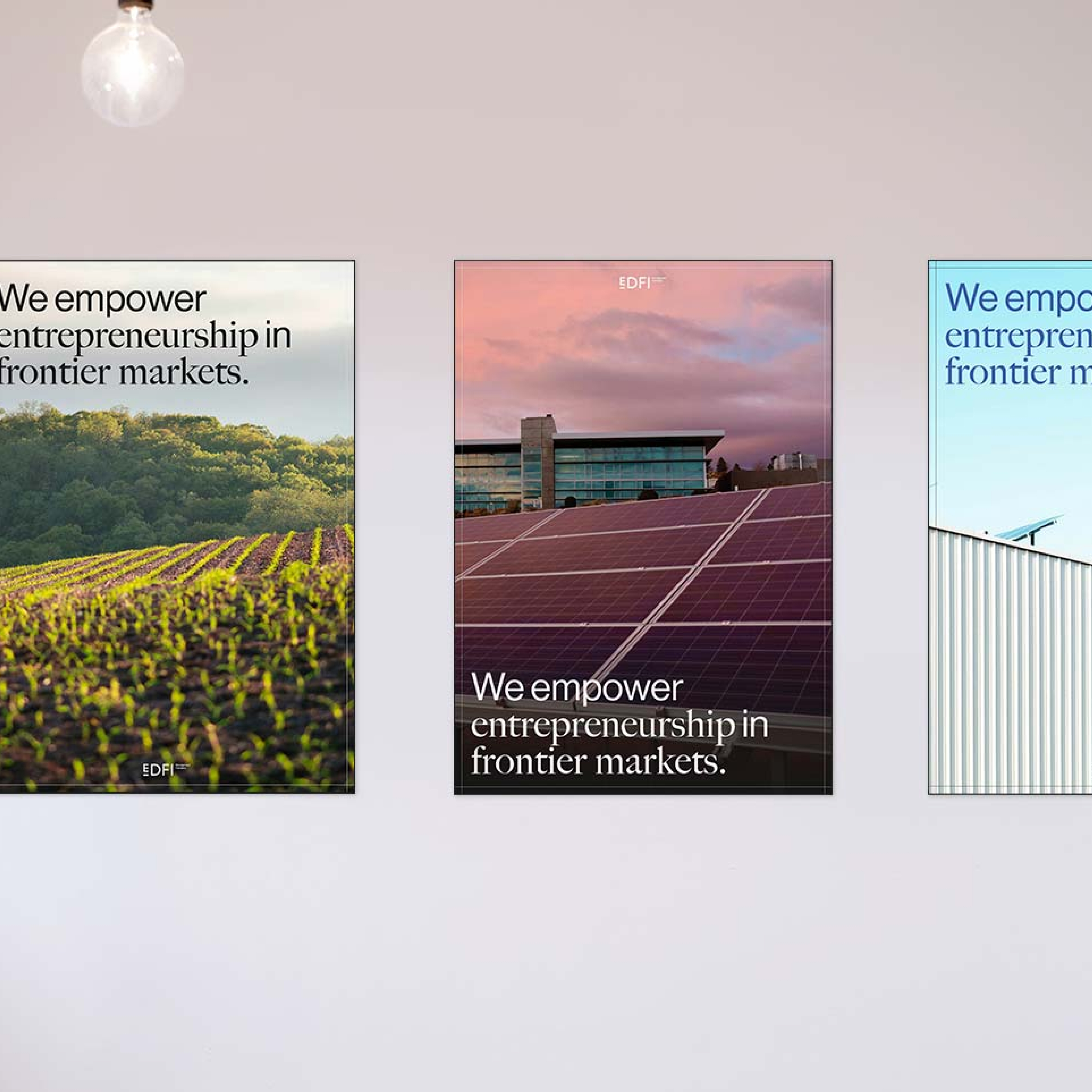
Clarifying a two-brand ecosystem across digital touchpoints.
I redesigned the UX/UI to support a split into two entities with clear differentiation, shared structure, and consistent trust signals across platforms.
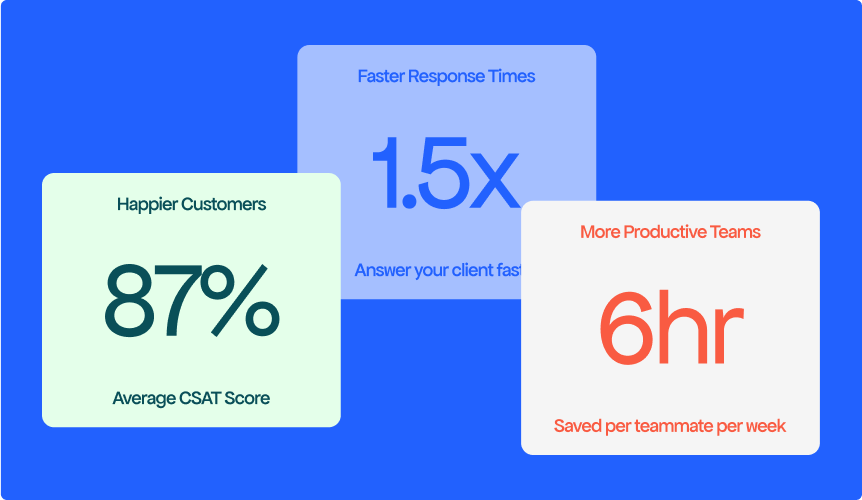
Translating an AI value proposition into a clear landing experience
I designed the UX/UI of Qontact AI’s first landing page to clearly communicate the product’s value and support early conversion.